/01
A home for every login.
Email, work, your very specific hobbies. Keep your accounts together and find the right one with a quick search.
ONE ORGANIZED VAULTA calmer home for your digital life. Keep your logins close,
your passwords strong, and your next sign-in simple.
Your brain has better things to do than remember
which password has the exclamation mark.
Email, work, your very specific hobbies. Keep your accounts together and find the right one with a quick search.
ONE ORGANIZED VAULTClick a login field, choose a matching account, and fill the form. Your browser extension handles the busywork.
FILL WITH A CLICKMake a fresh, random password for your next account. Choose its length and characters in the password generator.
STRONGER BY DESIGN
Already on the sign-in page? Your logins can meet you there. Click a field, choose your account, and get back to whatever brought you online.
Easy to use should still mean carefully protected. Your vault entries are encrypted on your device, before they reach the server.
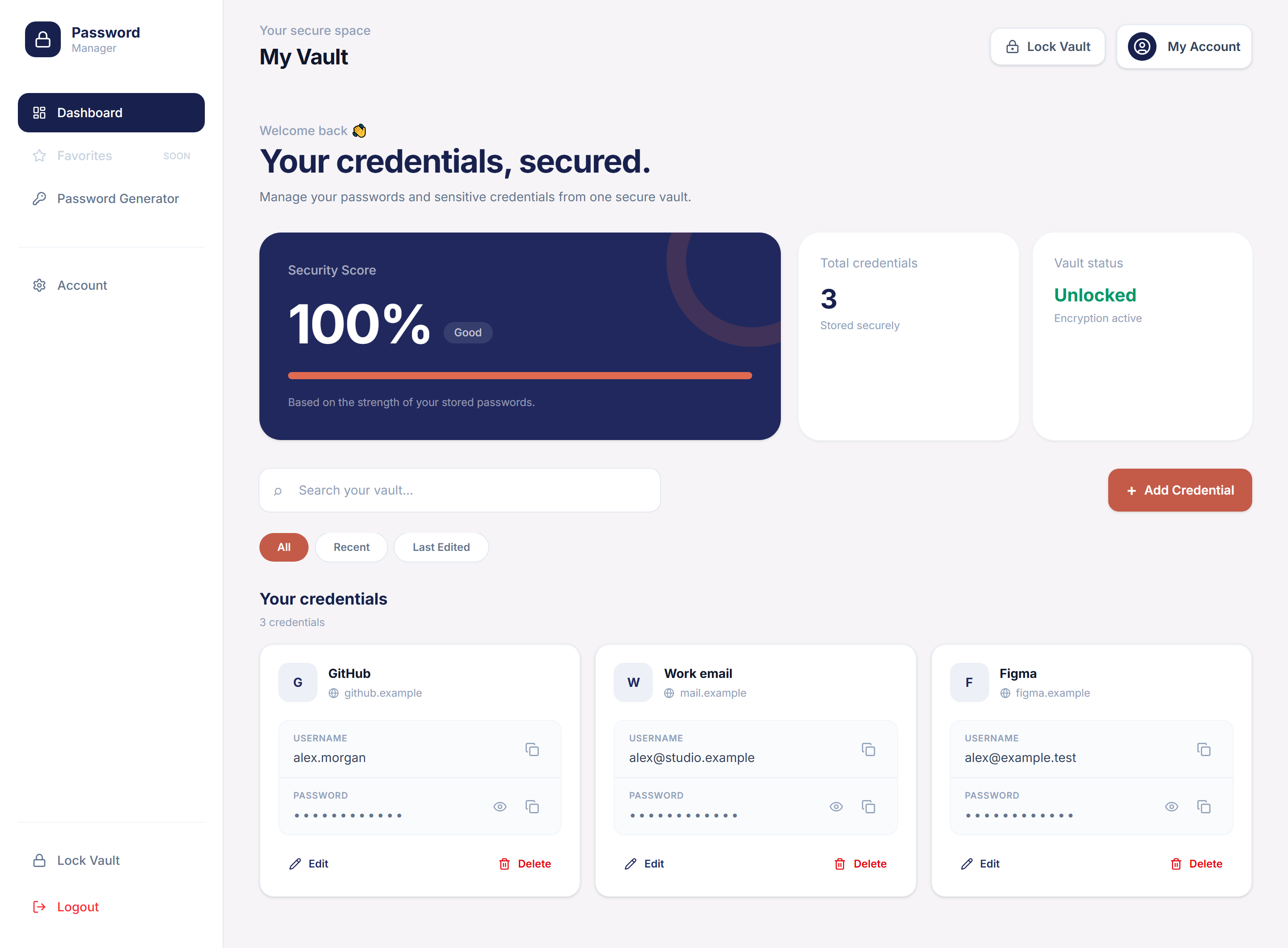
A closer look at your vaultCreate an account, verify your email, and set up your vault password. Pick a passphrase you can keep safe.
Add your accounts and generate fresh passwords. Your credentials are encrypted before they leave your browser.
Use your web vault, or enable the browser extension to choose and fill matching logins as you go.
Because your passwords
deserve more than a shrug.
Your vault entries are encrypted in your browser with AES-256-GCM before they are sent to the server. Your vault password derives the encryption key locally. That key stays in memory while the vault is unlocked; locking clears the app's references to it.
They serve different purposes. Your sign-in password authenticates your account; your vault password unlocks your encrypted entries. You can choose different passwords, and we recommend that you do. Each can be changed separately in Account security.
The extension is built for Chrome and Microsoft Edge. Approve HTTPS website access once to enable field suggestions, then unlock your vault. It offers matching accounts on supported login forms and fills only after you select one. It never submits a form for you.
You choose when your vault locks. Keep a timed inactivity limit, lock when the popup closes, or keep it unlocked until the browser closes. The key stays in memory only. Session expiry, manual locking, extension reloads, or loss of that memory can lock it sooner.
Your vault password is not stored, so it cannot be recovered for you. Keep it somewhere safe. Changing your account sign-in password does not decrypt your vault or replace its unlock password.
Already feeling at home? Sign in